






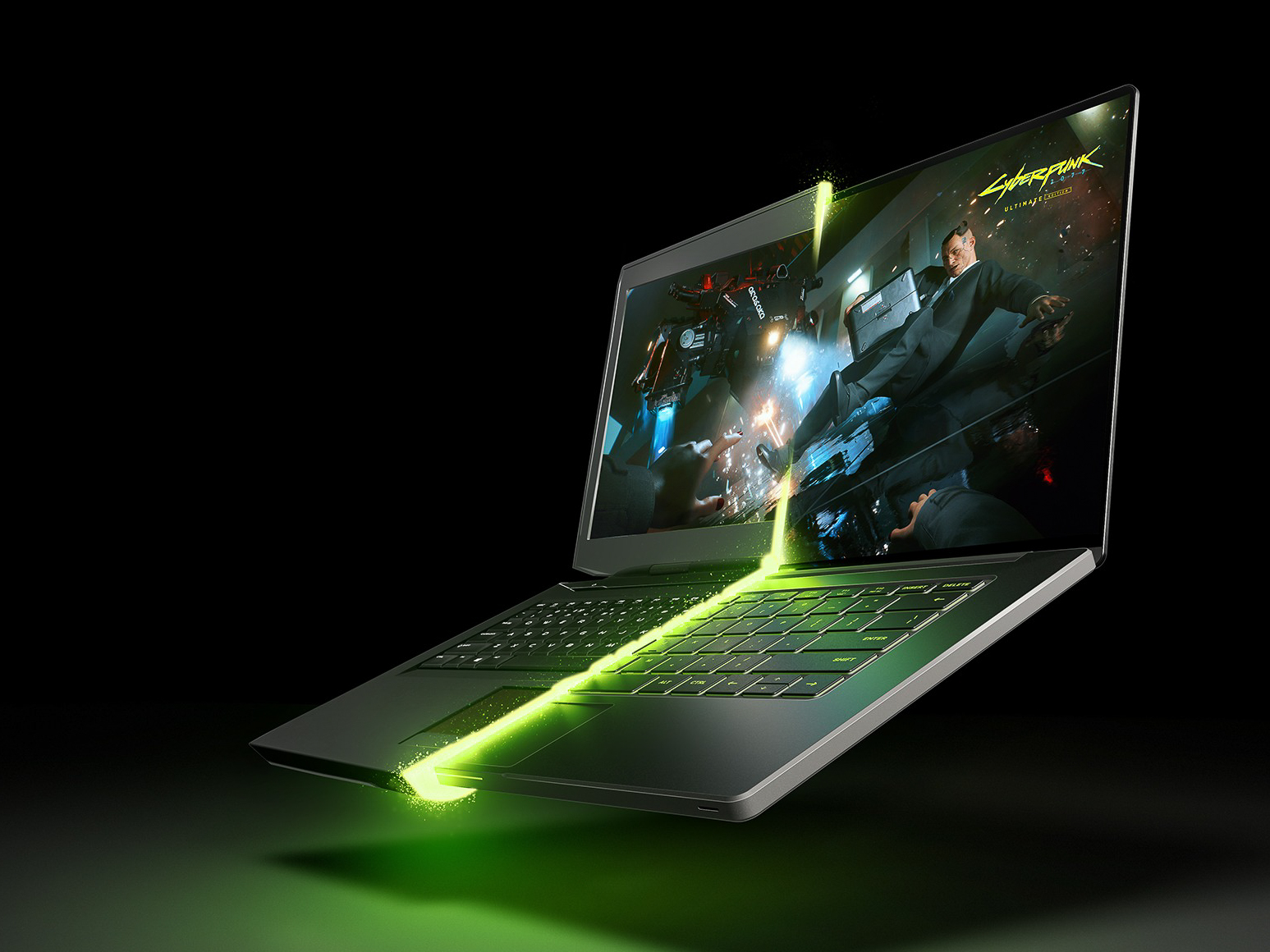
Not every student needs a powerful graphics processor. If the computer is mainly intended for taking lecture notes, working with documents, and browsing the internet, a simpler model will suffice. However, students in architecture, engineering, computer science, data analysis, machine learning, and the creative fields have entirely different requirements. In these fields, a laptop must be capable of handling large projects, 3D models, video, and complex calculations—often for several years in a row.
Laptops with NVIDIA GeForce RTX 50 Series graphics processors are designed for the following tasks. They can accelerate educational and creative applications, run artificial intelligence models locally, and, after training, deliver high-quality gaming and multimedia experiences.
In which fields of study is a graphics processor actually useful?
A graphics processing unit (GPU) isn’t just for gaming. Many professional applications can offload some of their calculations to the GPU, thereby reducing the load on the central processing unit (CPU) and significantly speeding up certain work processes.
Architecture and engineering students can work on more complex CAD projects, 3D models, and visualizations. A powerful graphics card ensures smoother model viewing, helps prepare renderings faster, and reduces the time required to run simulations. This allows students to submit their work sooner and to test different solutions before submission.
A key benefit for students of computer science, data analysis, and machine learning is NVIDIA CUDA Ecosystem support. It is used in many programming, data processing, and artificial intelligence tools. Students can develop and test models on their own computers, experiment with datasets, and learn technologies that are also used in professional settings.
For students of design, animation, and audiovisual media, RTX acceleration helps with video editing, effects processing, 3D graphics creation, and rendering. The NVIDIA Studio platform offers optimizations and drivers designed for creative applications, ensuring not only performance but also stable operation during long-term projects.
Keep in mind that the GPU does not accelerate absolutely all programs and tasks. The benefit depends on whether a particular application and the features it uses support GPU acceleration.
Artificial intelligence without the need to use cloud services
Built into the GeForce RTX 50 Series graphics processors Tensor kernels are designed for artificial intelligence computations. With the appropriate software, a laptop can be used to run language models and AI agents locally, analyze your documents, create summaries, generate ideas, assist with programming, or transcribe lecture recordings into text.
There are three practical advantages to using local AI: work can continue without an internet connection, there is no charge for each cloud service request, and the files used can remain on the computer itself. This is especially important if a project involves unpublished research data or information that should not be uploaded to an external service.
At the same time, we need to be realistic—not every AI model can run on just any laptop. The size and performance of a model are largely determined by the amount of video memory, or VRAM. Therefore, for a student who plans to use a computer regularly for AI development, VRAM capacity is one of the most important selection criteria.

From the first sketch to the finished image or video
Generative AI can help create concept sketches, illustrations, visual materials for presentations, and videos. NVIDIA TensorRT optimizes the execution of AI models, so image and video generation can occur locally much faster in compatible tools.
In creative work, this provides more opportunities to experiment. Since creating a single version doesn’t take long, students can try out various compositions, styles, and ideas without settling for the first acceptable result. The same computer can be used to refine the material—for editing, color correction, graphics, and exporting the final file.
Clearer lectures, meetings, and presentations
NVIDIA Broadcast Uses the AI capabilities of the RTX graphics processor to enhance microphone and webcam signals. Reducing background noise and room echoes can be helpful when attending lectures from a dorm room or working in a group from a noisy room. Virtual background and automatic framing features, on the other hand, help you prepare for a more professional project presentation.
NVIDIA RTX Video It serves another purpose—it enhances the video displayed on the computer. The technology can increase the sharpness of lower-resolution content and reduce image artifacts caused by streaming compression. The improvement can be noticeable when watching recorded lectures and tutorials, as well as movies and other online content.

Power in a Portable Format
Students need to bring their computers to lectures, the library, and group work sessions, so it’s not just the computer’s performance that matters. NVIDIA Max-Q technology helps manage a laptop’s performance, power consumption, temperature, and noise levels so that high performance can be combined with a relatively compact design and optimized battery life.
However, the label “RTX 50 Series” alone doesn’t tell the whole story. Two computers with the same GPU may differ in terms of graphics processing power limits, cooling, and, consequently, actual performance. Before making a purchase, you should also evaluate the amount of VRAM and RAM, display quality, weight, ports, and battery capacity. Maximum performance for the most demanding tasks will usually be available when the computer is plugged into a power outlet.
You don’t need to replace your computer with a gaming console
After class, the same computer can also provide a high-quality gaming experience. Supported games DLSS 4.5 uses artificial intelligence to boost performance and improve image quality. Full ray tracing ensures more realistic lighting, shadows, and reflections, while NVIDIA Reflex reduces system latency and makes it more responsive.
This means students don’t need one device for studying and another for entertainment. The right GeForce RTX 50 Series laptop can serve as a work tool throughout their entire academic career: powerful enough for complex projects, suitable for on-device AI, and ready to provide high-quality entertainment after a hard day’s work.

A computer that adapts to the student’s needs
When choosing a laptop for your studies, the most important thing isn’t to find the most powerful model, but rather one that meets the requirements of your specific program and will remain useful for several years. If you work with 3D modeling, video, data analysis, programming, or artificial intelligence on a daily basis, a GeForce RTX 50 Series laptop can be a valuable investment. It gives you the freedom to learn, experiment, and bring more complex ideas to life all on a single device, while also providing high-quality entertainment once you’re done.
TopPC.ee The online store currently has special offers on on Lenovo laptops as well as a wide selection of of laptops with 50xx series graphics cards. If you have any questions, please call or chat with our customer service representatives.