






Our clients have recently been increasingly active in building workstations for generating and testing AI models. Standard desktop computers equipped with NVIDIA or AMD graphics cards are one possible solution, but the main limitation is the amount of GDDR memory on the graphics card. Even for the most powerful RTX 5090 gaming graphics cards currently available, this is limited to 32GB, which prevents them from running the most popular open-source AI models.
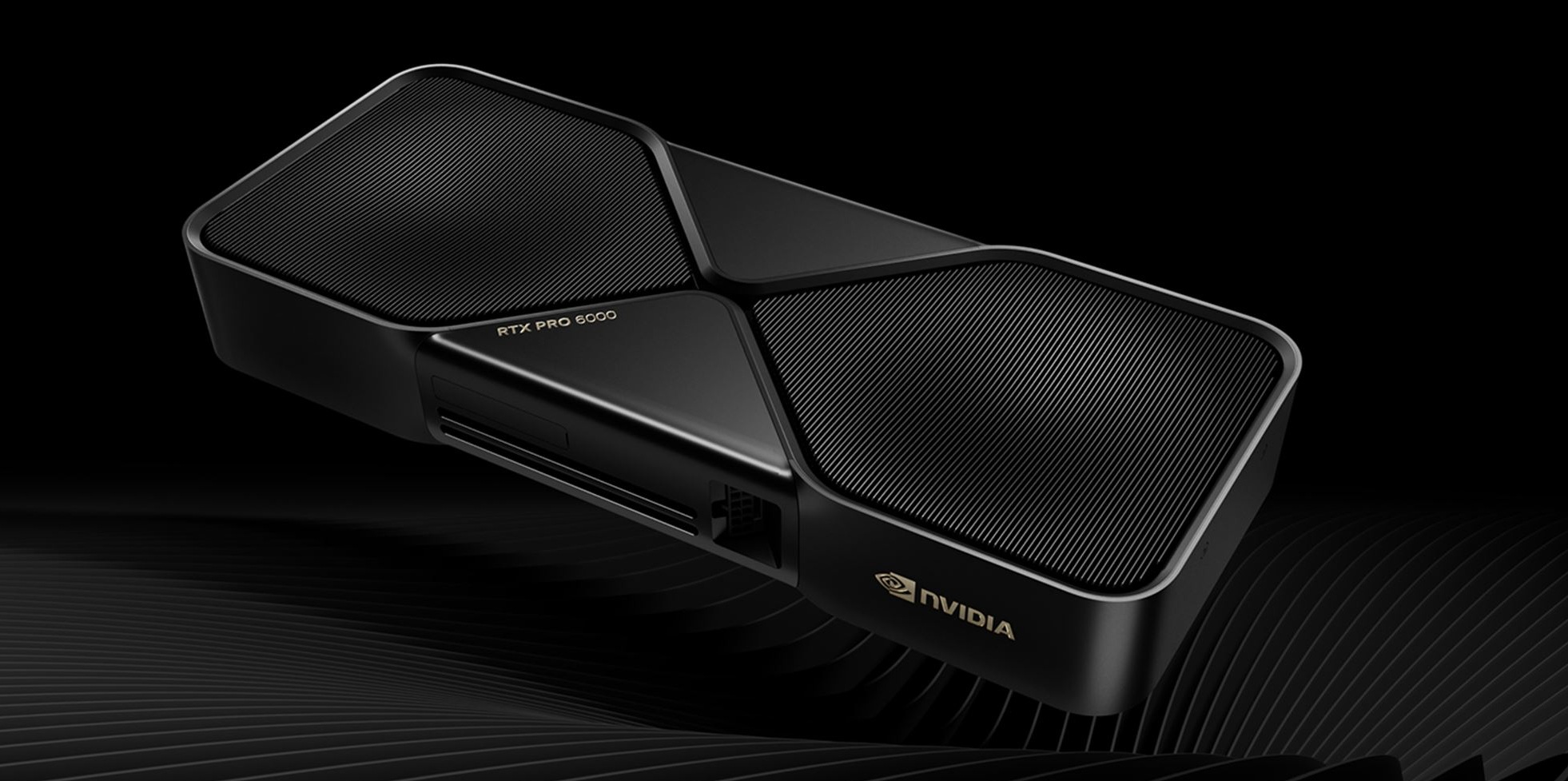
A week ago, we received an order from a client for a much more serious solution—a workstation needs to be equipped with two RTX PRO 6000 Blackwell Workstation Edition graphics cards, and the rest of the computer’s configuration must be compatible and capable of “feeding” these cards with data.
This graphics card is equipped with 96 GB of GDDR7 ECC memory. The system has two graphics cards, so a total of 192 GB of GDDR7 memory is physically available. It is complemented by a 24-core AMD Ryzen Threadripper 9960X processor, 256 GB of DDR5 ECC RAM, 8 TB of total NVMe storage, and a 2500 W 80 PLUS Platinum power supply.
Why are two such powerful graphics cards needed? In large AI and 3D projects, the limiting factor is often not the desire to finish the job a few seconds faster, but whether the model, dataset, or scene will even fit within the available high-speed GDDR7 memory.
Two RTX PRO 6000s Push the Limits of What’s Possible
The PNY RTX PRO 6000 Blackwell Workstation Edition is a professional-grade GPU with 24,064 CUDA cores, fifth-generation Tensor cores, and 96 GB of GDDR7 ECC memory. The memory bandwidth reaches 1,792 GB/s, while the maximum power consumption of a single card is 600 W.
With two graphics cards, it is possible to run multiple, independent AI services simultaneously or distribute a single large task between the two graphics cards. For example, one card can work on a language model while the other generates images, renders, or is used for development tasks. 
However, 2 × 96 GB does not automatically mean a single shared 192 GB VRAM pool. The software must be able to distribute the model, scene, or computations between the two cards. In AI environments, tensor or pipeline parallelism is used, but rendering tasks require support for multiple GPUs. If any of the applications uses only one card, 96 GB will still be available for work processes.
MIG support provides additional flexibility, allowing each RTX PRO 6000 to be divided into multiple isolated GPU instances—for example, four 24 GB instances or two 48 GB instances. This allows a single physical card to be safely divided among multiple AI services or development teams, allocating a specific amount of resources to each task.
A platform designed for multiple GPUs
You can’t simply install two graphics cards like these in a typical “gaming” computer. You need properly spaced PCIe slots, a sufficient number of PCIe lanes, support for ECC memory, and a stable power supply system.
The ASUS Pro WS TRX50-SAGE WIFI A motherboard comes to the rescue, offering three PCIe 5.0 x16 slots, an additional PCIe 4.0 x16 slot, up to 1 TB of ECC RDIMM memory, as well as 10 Gb/s and 2.5 Gb/s Ethernet connections. The high-speed network connection is particularly useful when transferring large models, datasets, and project files. The motherboard is designed for sustained professional workloads and also supports the ASUS IPMI expansion card, which enables remote monitoring and management even when the operating system is unresponsive.

At the heart of the system is an AMD Ryzen Threadripper 9960X with 24 cores and 48 threads. While the GPU performs computations, the processor prepares data, performs tokenization, handles API requests, and runs other services. The ASUS motherboard also supports PRO models, but this particular computer uses the standard Threadripper 9960X.
256 GB of ECC memory
The workstation is equipped with four 64 GB Micron DDR5-5600 ECC RDIMM modules. This configuration utilizes all four Threadripper memory channels, providing both high capacity and high data throughput.
ECC memory is particularly distinguished by its ability to detect and correct single-bit errors. In a professional system that performs calculations for hours or days, this type of data correction is valuable. RDIMM modules improve signal stability and are suitable for large memory capacities.
RAM is needed for data processing, virtual machines, databases, and 3D scenes. Therefore, 192 GB of GPU memory and 256 GB of system RAM are not competing resources—they complement each other.
Power and Cooling for Continuous Operation
Both graphics cards can consume up to 1,200 W at full load, while the Threadripper 9960X has a TDP of up to 350 W. The FSP Cannon Pro 2,500 W power supply with ATX 3.1, PCIe 5.1, and 80 PLUS 230V EU Platinum efficiency provides the necessary headroom even for short-term power spikes—in other words, this doesn’t mean the computer will consume 2.5 kW all the time. It means the power supply doesn’t have to operate at the limits of its capacity. 
The processor is cooled by a Noctua NH-U14S TR5-SP6 cooler, whose base is designed specifically for the large sTR5 processor surface. The Fractal Design Epoch XL case provides space for both GPUs and allows for unobstructed airflow, while three Arctic P12 Pro PST fans help dissipate heat during sustained loads.
8 TB of storage for models and projects
The system has two 2 TB and one 4 TB Samsung 990 PRO NVMe Gen4 SSDs —for a total of 8 TB. One drive can be used for the operating system, another for active projects, and the third, largest one, for models and datasets. The actual allocation, of course, depends on each client’s personal workflow.
Assembly and testing are not just a formality
When installing two RTX PRO 6000s, you need to consider more than just available PCIe slots. You need to check the spacing between the cards, the routing of the 12V-2×6 cables, and whether the cables interfere with the fans. In a system like this, careful cable management directly affects cooling.
After the first boot, we verified that the BIOS recognized all 256 GB of RAM and the NVMe drives, while the NVIDIA driver recognized both GPUs. We then tested the processor, memory, and each graphics card separately, and also performed a simultaneous, long-term stress test on both GPUs. Temperatures, clock speeds, and power consumption are evaluated over the course of hours, not just during a brief performance test. Only after such testing can we confidently deploy the workstation for long-term use in a professional environment.

What can a workstation like this do?
In an AI environment, this workstation can be used to run and fine-tune large language models using LoRA or QLoRA methods, as well as to develop image, video, and other generative AI solutions. If the software can split the model across both GPUs, it is also possible to work with solutions that would not fit on a single 96 GB card.
In a 3D environment, both cards can be used with Blender, V-Ray, Octane, or Redshift, provided that the selected renderer supports multi-GPU rendering. The system is also suitable for CAD, simulations, scientific CUDA computations, 4K and 8K video processing, and AI upscaling.
A second GPU does not, in and of itself, guarantee twice the speed. The performance gain depends on the specific program and how effectively the task is distributed. However, for projects that utilize multiple GPUs, this configuration offers capabilities that are not available in a single-card system.
A professional tool for a specific task
This computer cannot be judged based on gaming FPS or a single brief test. It is designed to process large AI models over long periods of time, render complex scenes, and perform demanding professional calculations.
Two RTX PRO 6000 Blackwell cards deliver massive GPU performance and a combined 192 GB of memory, but the performance comes from the entire platform—Threadripper’s PCIe capabilities, 256 GB of ECC RAM, a 2500 W power supply, well-designed cooling, and software that knows how to utilize both cards. In a system like this, every component has a specific role to play.
We are pleased that the client chose TopPC.ee as a partner for the construction of this workstation—this was truly a very interesting and challenging project.